
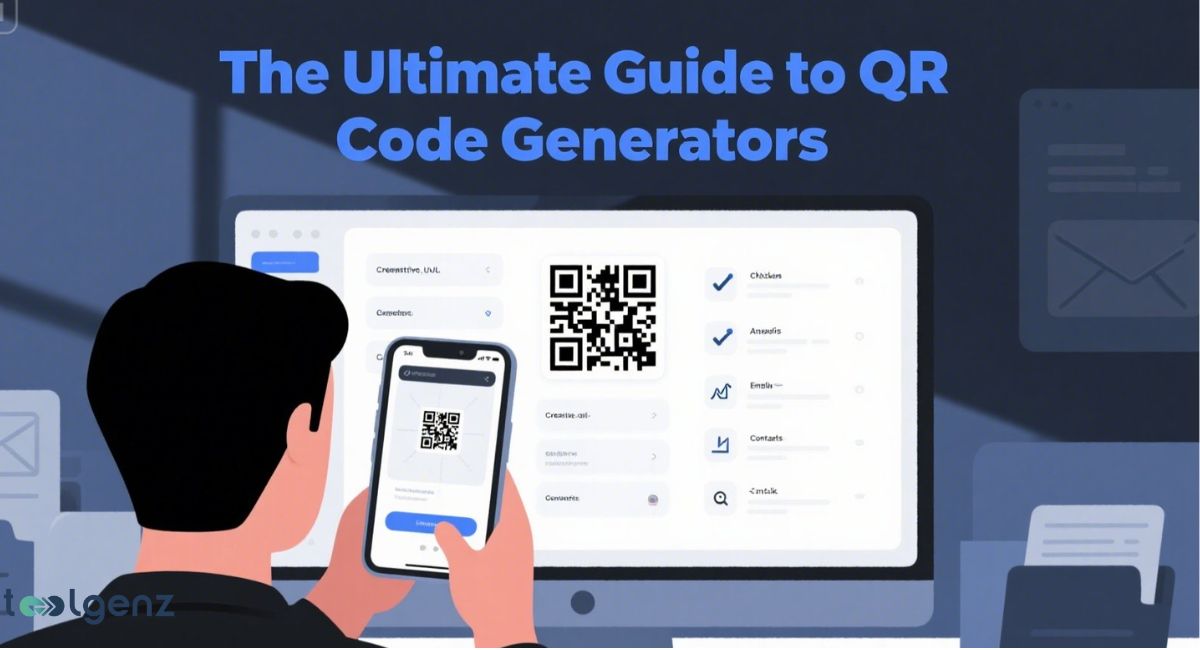
In today’s fast-paced digital world, instant access to information can make the difference between a missed opportunity and a successful interaction.
QR codes — those small, scannable patterns you’ve seen on menus, product labels, and advertisements — have quietly become a cornerstone of modern communication.
Behind them are QR code generators, tools that let anyone create personalized codes for websites, contact details, events, and more in just seconds.
Whether you’re a small business owner looking to boost customer engagement, a marketer aiming to track campaigns, or simply someone who wants a quick way to share information, understanding how QR codes work in 2025 gives you an undeniable edge.
In this guide, we’ll explore what QR codes are, how to make them, tips for customizing them to fit your brand, and why they’ve become more relevant than ever in connecting our offline and online worlds.
What Is a QR Code and How Does It Work?
A QR code is a square-shaped image made of black and white patterns. It can hold information such as a website address, contact details, or even short text messages.
You can encode information into it using a QR code generator. When you scan it with your phone, it reads the code and shows the info.
There are different QR code types, such as vCard QR code, website URLs, event details, and Wi-Fi access. Some QR codes are static.
A static QR code means the data cannot be changed after creating it. A dynamic QR code lets you edit the content even after printing.
That’s why dynamic QR codes are perfect for businesses that often update promotions or change their links. QR codes are now used in everything from advertising and packaging to education and digital menus.
Their growing role in daily life shows how useful and powerful they have become.
Why Use QR Codes in 2025?
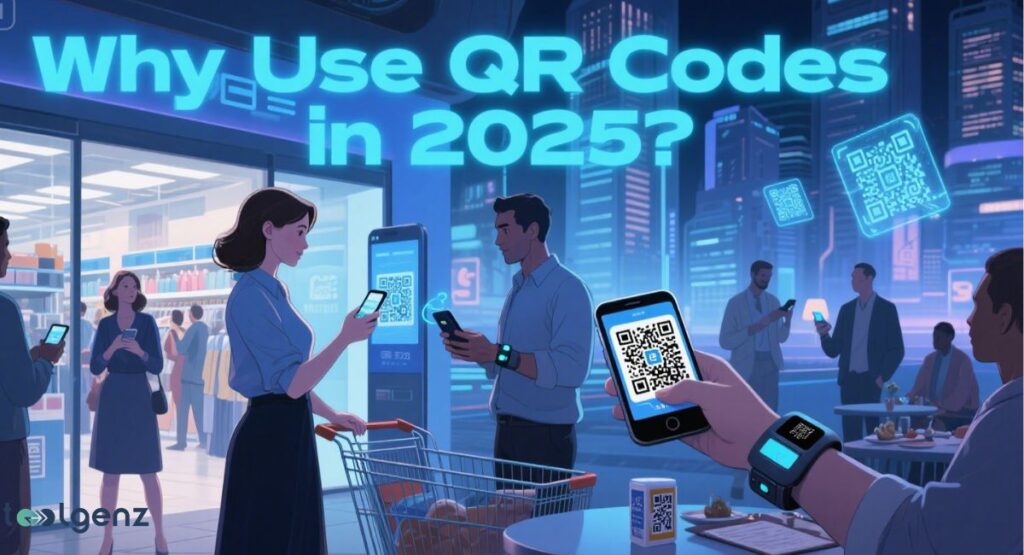
In 2025, QR codes are more important than ever. They are widely used in mobile marketing, business operations, and personal use. They make content instantly accessible on mobile devices without the need to type a single word.
You can find them in digital menus, contactless payments, event check-ins, and product labels. Their ability to track QR scans makes them great for marketing.
Businesses in the USA use QR codes to study user behavior and update content anytime.
As more people rely on smartphones, the need to connect offline to online keeps growing. QR codes offer a simple, fast way to share information and improve user experience.
What Is a QR Code Generator?
A QR code generator is a tool that helps you generate QR code images from your content.
Simply choose what you want to share—like a website link, some text, or contact information—and the QR code generator does the rest. The tool will encode information into a QR image for you.
There are many QR code generators online. Some let you customize QR code color, size, and even add logo to QR code.
Advanced tools offer analytics and dynamic link redirection. These tools are helpful for both personal and business use.
They make it easy to create QR code designs that match your brand. Whether you’re sharing event details or embedding QR code in marketing materials, QR code generators save time and effort.
How to Use the Free QR Code Generator (Step-by-Step)
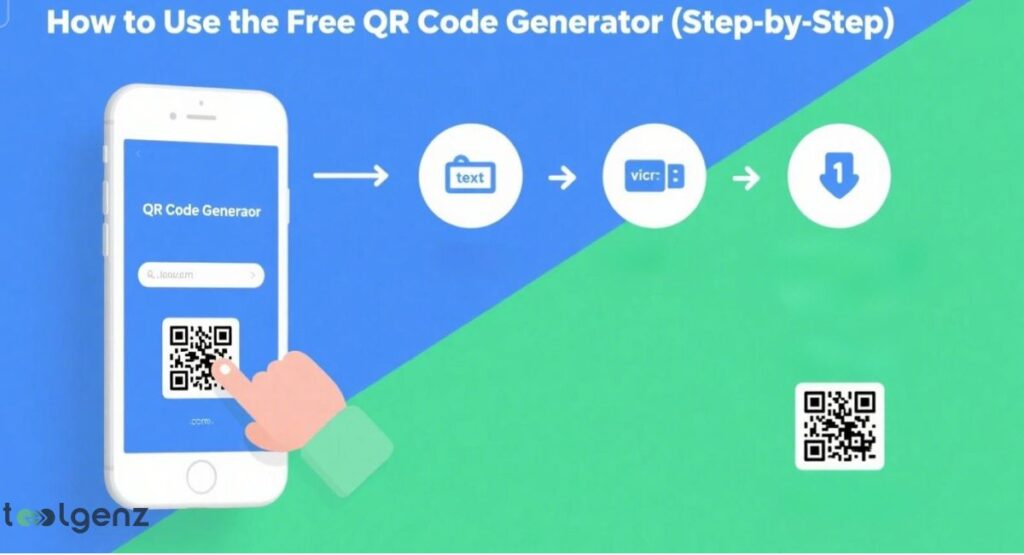
Using a free QR code generator to create QR code is simple. First, choose the input data type you want to encode. It could be a phone number, email, or social link. Then, paste or type your data into the form.
Next, preview QR code to make sure it’s correct. You can customize QR code with colors and logos. After that, download it in a print-ready format like PNG or SVG. Make sure the file is high quality so it can be printed.
These QR codes can be used for flyers, posters, or business cards. Many free QR code generators also support QR code customization to help match your style or brand needs.
You can also explore our free signature generator if you want to create secure digital signatures alongside your QR codes.
QR Code Preview, Print Quality, and High-Resolution Tips
Always preview the QR code before sending it to print. A mistake in the content can’t be fixed on a static QR code. Use high-quality files for good printing. A high-resolution QR code gives better scanning results.
To get a print-quality QR code, choose formats like SVG or PDF. These formats keep the image sharp. Also, make sure the color contrast is strong. A pale QR code on a light background can be difficult for scanners to read.
Using a test scan with a QR code reader before mass printing is a smart step. This helps you confirm the QR works as expected and supports mobile devices across different platforms.
Table: Print Quality Formats for QR Codes
| Format | Use Case | Quality Level |
| PNG | Web and light print | Medium |
| SVG | Posters, flyers | High |
| Print materials, brochures | High |
Can You Change Your QR Code After Printing?
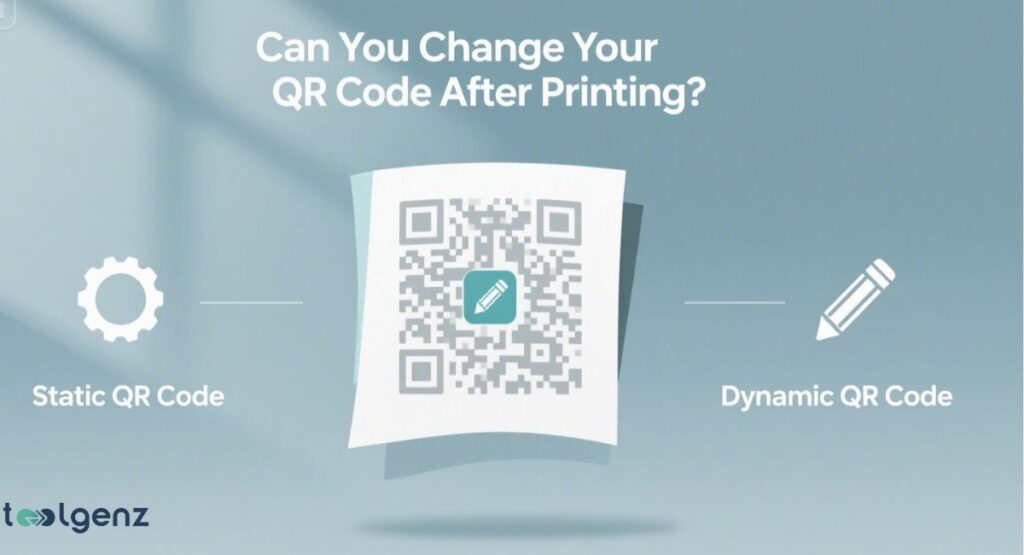
You can’t change a static QR code once it’s printed. It will always lead to the same content. If you want to update the content later, use a dynamic QR code.
Dynamic link redirection allows you to change the link behind the code without reprinting. This is useful for businesses that need to update promotions, menus, or contact pages.
Dynamic codes can also track scans, offering valuable insights into how and when people engage with your content. This makes them perfect for mobile marketing and real-time content adjustments.
How to Scan a QR Code (With or Without an App)
Most phones can scan QR code with the camera. Just open the camera app and point it at the code. A link will appear on the screen. Tap to open it.
If your phone doesn’t support it, use an online QR scanner. There are many apps and websites where you can scan without app installation. This comes in handy for desktop users or people with older devices that don’t have built-in scanning.
Always check your QR code reader settings to ensure it works properly. Some phones may require enabling scanning in the settings before use.
How QR Codes Can Support Your Business
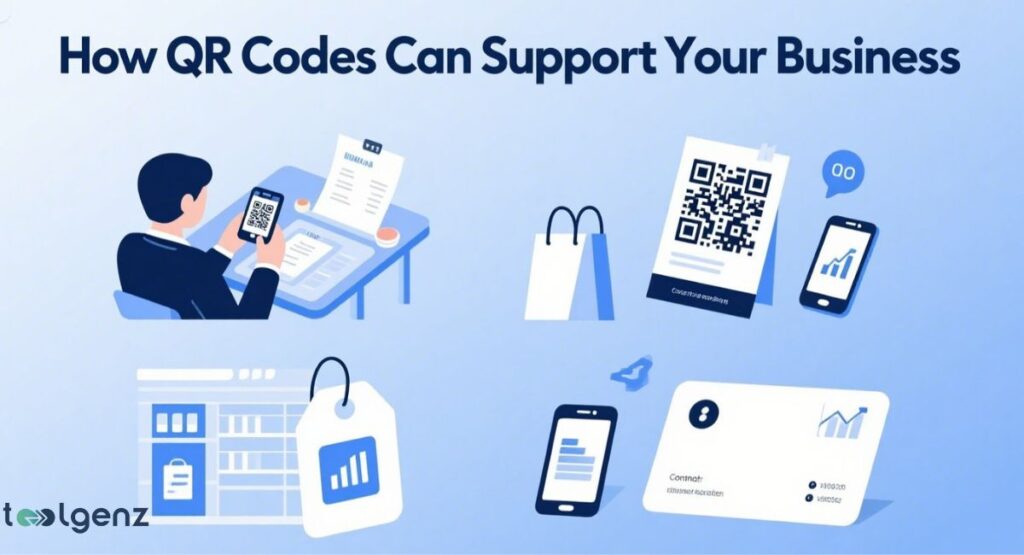
Businesses in the USA use QR codes for many reasons. They help customers access information instantly, make payments, and give feedback. You can also track QR scans to learn which ads work best.
Some use QR code business cards to share their contact info. Others embed QR code in packaging or ads to drive traffic to websites. Adding a QR code with logo also helps with brand identity.
This simple technology bridges the gap between offline and online, making it easier for customers to interact and stay connected.
Key Things to Remember When Creating QR Codes
Always test your QR code before sharing it. A bad design may make it unscannable. Choose colors that contrast and don’t over-design it. For example, a QR code with color needs to be dark enough to scan.
Use QR code error correction to avoid problems. This feature, based on Reed–Solomon correction, helps the code work even if it’s damaged. High correction levels make the code bigger but more reliable.
Try scanning your design on different devices and in various lighting to make sure it works smoothly for everyone.
About QR code Generator: Features, Benefits, and Why You Should Use It
QR codes are no longer just a tech novelty — they’re a practical, cost-effective bridge between the physical and digital spaces we use every day.
From sharing contact information in a single scan to powering entire marketing campaigns with dynamic, trackable links, the possibilities keep expanding in 2025.
By choosing the right QR code generator, customizing your designs for visibility, and testing them before launch, you can ensure every scan leads to a seamless experience for your audience.
Whether your goal is to promote an event, simplify customer interactions, or enhance brand recognition, the steps in this guide will help you create QR codes that work reliably and look professional.
As mobile adoption continues to grow, the QR code generator will remain one of the most versatile tools in your digital toolkit — and the sooner you master it, the greater your ability to connect, engage, and convert in a world that runs on instant access.
FAQs
Can I create a QR code for free?
Yes, you can create a QR code for free using many online QR code generators.
Is Google QR code free?
Yes, Google offers a free QR code generator that creates static QR codes.
Is there a free QR code that lasts forever?
Yes, static QR codes are free and last forever as long as the linked content stays active.
Is QR scan free?
Yes, scanning a QR code is free with most smartphone cameras or QR code scanner apps.
Does it cost to make a QR code?
No, basic QR code creation is free. However, advanced features like dynamic link redirection or analytics may cost money.