
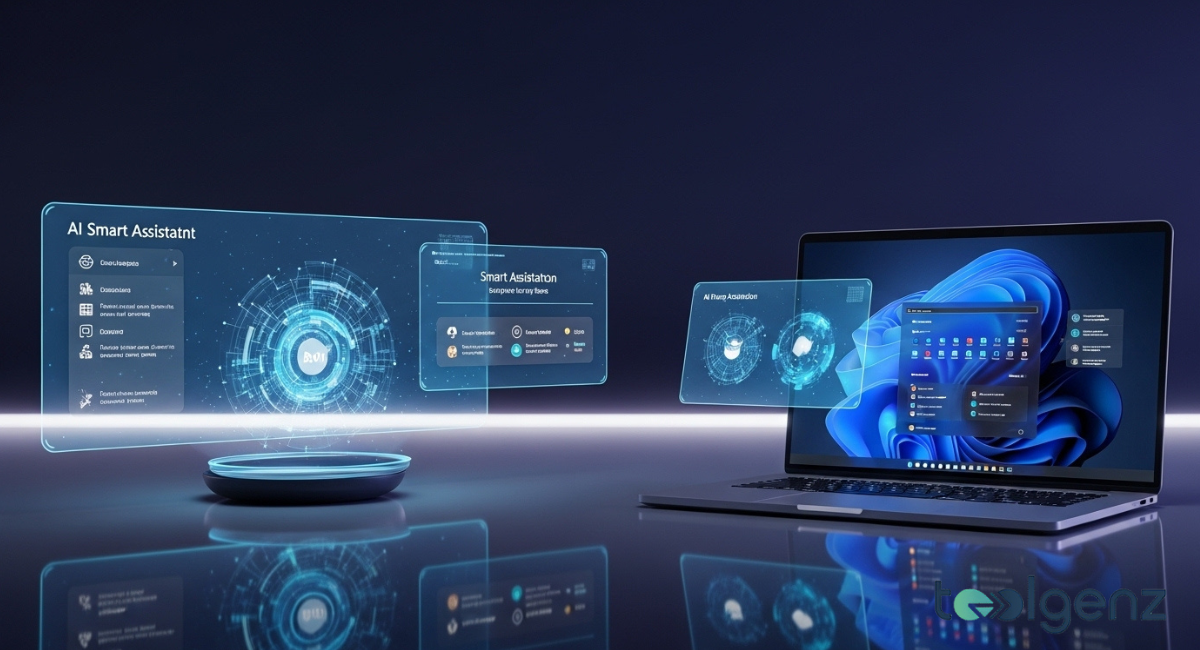
Microsoft Windows is changing how we use computers with Windows 11 AI features, turning your PC into a smarter assistant. According to The Verge, Microsoft Copilot lets you talk to your computer, complete tasks, and interact through voice and vision commands, making hands-free computing a reality.
These AI-powered Windows PCs blend productivity, accessibility, and automation to simplify daily tasks. Features like Copilot Vision and Copilot Actions allow you to manage files, troubleshoot issues, and get guidance across apps effortlessly. With these updates, Microsoft Windows becomes more than a tool it becomes an active partner in your work.
Windows at 40 How the Platform Has Evolved
Microsoft Windows has been shaping personal computing for over 40 years. From the launch of Windows 1.0 to today’s Windows 11, each update added features that changed how people interact with their PCs.
The release of Windows 95 introduced the Start menu and taskbar, revolutionizing desktop computing. Later versions focused on stability, cloud integration, and accessibility, making Windows the most widely used operating system worldwide. Over time, Microsoft has integrated AI to make apps and tools smarter, helping users work faster and more intuitively.
Windows 11 continues this legacy with a modern interface, tighter integration with Microsoft services, and native support for AI-powered apps. Microsoft now combines performance, security, and accessibility features like never before. Voice commands and taskbar improvements help users get things done more efficiently, showing how Microsoft is evolving to meet modern needs.
Microsoft’s Vision for AI in Windows

Microsoft envisions AI as a core part of every Windows PC. Copilot acts as the central assistant, understanding context, helping with tasks, and even anticipating user needs. The AI goes beyond chatbots, aiming to integrate intelligence throughout Windows workflows.
From automating repetitive tasks to improving productivity apps, AI makes Microsoft smarter and more capable. With AI-driven productivity, Copilot helps organize emails, files, and meetings. It can scan your screen, offer step-by-step instructions, and assist in apps like Excel and Word.
Microsoft Windows now learns from your behavior, providing personalized suggestions and streamlining tasks over time. This AI-first approach positions Microsoft Windows as a bridge between traditional computing and next-generation PC interaction.
Voice Control and AI Talking to Your PC
Windows 11 introduces natural voice and vision commands in Microsoft Windows. By saying “Hey, Copilot!” you can speak directly to your PC, controlling apps, files, and system tasks without touching a keyboard. Copilot can handle complex workflows like editing documents, organizing files, or managing apps, all through voice commands.
Copilot Vision further enhances Microsoft Windows by scanning the screen to give context-aware guidance. It can help navigate new apps, troubleshoot issues, or provide detailed explanations of a document. Microsoft prioritizes privacy—Copilot only accesses your screen content with permission, ensuring that human-computer interaction remains intuitive and under your control.
Qualcomm Snapdragon X2 Laptops and Windows Performance
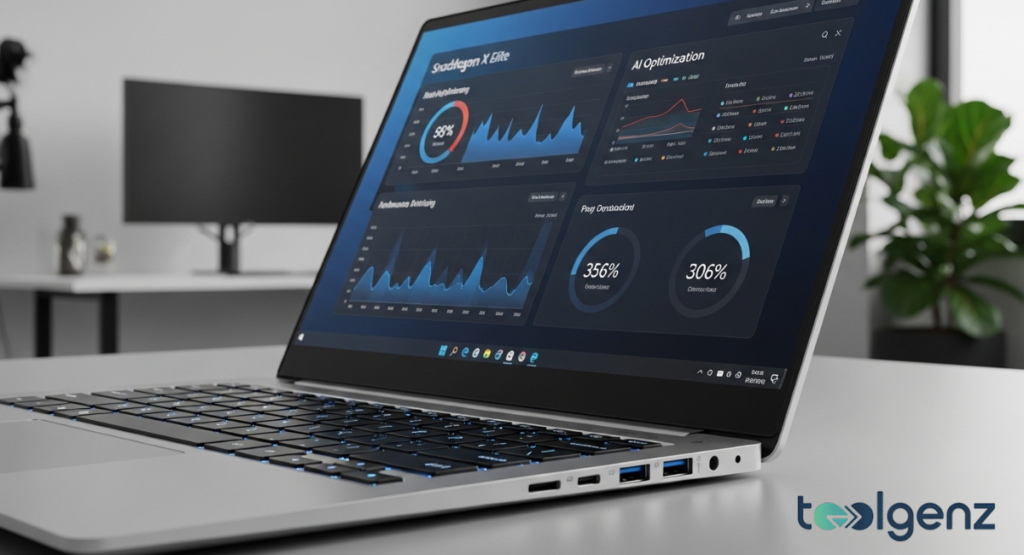
Microsoft Windows performs even better on Snapdragon X2 laptops. These ARM-powered devices provide longer battery life, faster startup, and smooth multitasking, making them ideal for AI-heavy workflows. Compared to traditional Intel or AMD laptops, Snapdragon X2 machines handle AI tasks efficiently, letting Microsoft Windows run Copilot Actions and other features seamlessly.
| Feature | Snapdragon X2 Laptops | Intel/AMD Laptops |
|---|---|---|
| Battery Life | Up to 20 hours | 10–12 hours |
| AI Processing | Dedicated Neural Engine | CPU-based AI |
| Windows Compatibility | Full Microsoft Windows support | Full Microsoft Windows support |
| Weight & Portability | Lightweight & thin | Heavier models |
| Multi-tasking Performance | Optimized for AI apps | Standard performance |
These laptops show how Microsoft Windows is being optimized at both the software and hardware level to deliver a smoother, AI-powered experience.
AI Backlash Privacy and Trust Concerns
Not everyone is ready to let AI control tasks on Microsoft Windows. Critics worry about privacy and security, especially with Copilot Vision viewing screen content. Microsoft addresses these concerns with opt-in features and clear data use policies.
Users also have concerns about errors in complex apps, potential data misuse, and overreliance on automation. However, Microsoft Windows is designed to enhance productivity without compromising privacy. Hands-free computing through Copilot helps users complete tasks safely and efficiently, building trust over time.
AI Enhancing Everyday Windows Apps
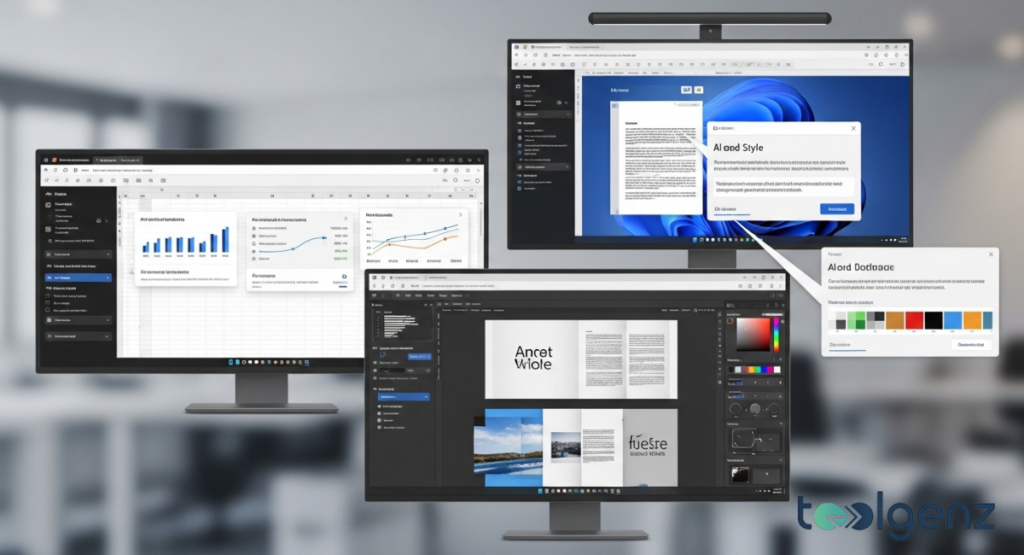
Microsoft Windows is bringing AI to everyday apps like Office and Notepad, making them smarter and more responsive. Copilot can summarize long documents, automate repetitive tasks, and even generate presentations quickly.
System tools also benefit automated updates, performance optimization, and context-aware suggestions are now AI-assisted. Microsoft Teams improves transcription, meeting summaries, and collaboration using AI. Everyday tasks become faster, smarter, and more integrated, highlighting how Microsoft Windows is transforming personal computing.
Windows for Developers and Power Users
Developers can now leverage AI tools in Microsoft Windows. The Windows AI SDK allows apps to request guidance from AI, automate tasks, and integrate AI workflow automation.
Power users can experiment in Copilot Labs, testing productivity features and optimizing tasks. With these tools, Microsoft Windows becomes a platform for smarter apps and deeper customization, empowering users to push boundaries.
The Future of Windows and Personal Computing
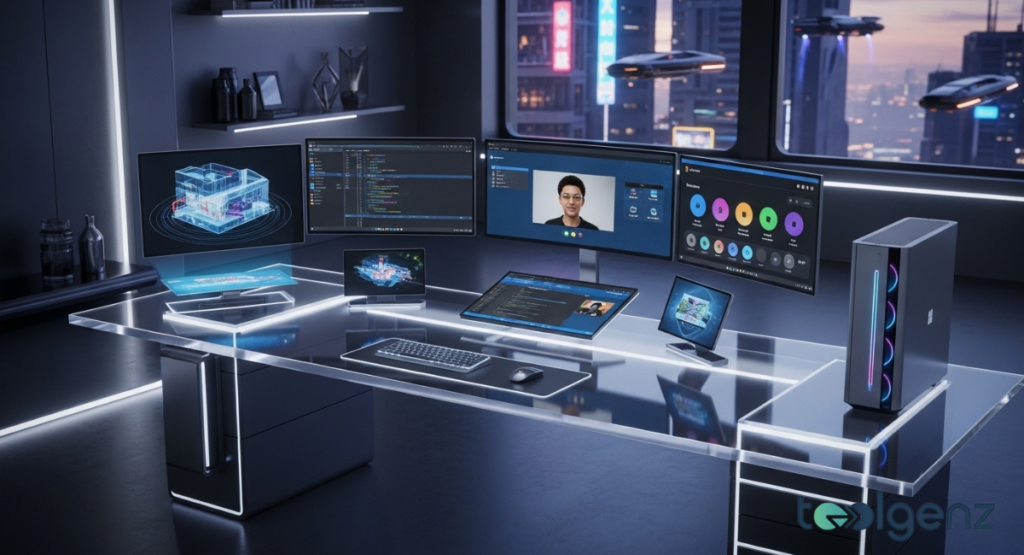
Microsoft sees every PC as an AI partner. Windows 11 upgrades and innovations focus on cloud-powered AI across devices, enabling seamless workflows. Copilot learns from user behavior to anticipate needs, provide suggestions, and streamline tasks.
Hybrid work, cloud integration, and AI-enhanced tools will define the next decade of Microsoft Windows computing. AI won’t replace users it will help them work smarter and hands-free. Microsoft Windows continues to evolve, bringing productivity, accessibility, and intelligence together in one platform.
Key AI and Tech Updates You Need to Know
Microsoft Windows updates make AI central to your PC. Copilot Actions can handle tasks like photo editing, file management, and app navigation. Copilot Vision offers guidance and troubleshooting in real time, while voice commands are expanding across apps.
Other updates include faster search, taskbar improvements, and optimized performance on Snapdragon X2 laptops. Microsoft Windows is already shaping everyday computing experiences, proving AI is not just the future it’s here now.
Conclusion
Microsoft Windows is redefining personal computing. With Copilot, voice and vision commands, and AI-powered features, users can interact with their PCs smarter and more intuitively. Despite privacy concerns, these innovations enhance productivity and accessibility. Whether on standard devices or Snapdragon X2 laptops, Microsoft Windows shows how AI can make work, learning, and daily tasks faster, easier, and more intelligent.
FAQs
What is Microsoft Copilot in Windows 11?
Microsoft Copilot is an AI assistant in Microsoft Windows that helps automate tasks, guide apps, and provide help using voice and visual commands.
How does Copilot Vision work on Windows PCs?
Copilot Vision scans your screen (with permission) to give step-by-step guidance, troubleshoot issues, and assist in apps or games.
Can I talk to my Windows 11 PC?
Yes! Using voice and vision commands, Microsoft Windows lets you control apps, files, and system tasks naturally.
Are AI-powered Windows PCs safe and private?
Microsoft Windows requires user permission for AI access and emphasizes privacy to keep your data secure.
Which apps benefit most from AI in Windows 11?
Apps like Office, Notepad, and Microsoft Teams use AI in Microsoft Windows to automate tasks, summarize content, and enhance workflows.