

Introduction
The modern Windows Update system has become one of the most important layers of protection for everyday users in the United States. In recent years, Windows Update has evolved far beyond simple patches, turning into a continuous security and performance improvement engine for PCs. By 2026, Windows Update feels more transparent, giving users better visibility into what is changing on their devices.
Today’s users rely on Update not only for bug fixes but also for protection against fast-moving cyber threats. With both Windows 10 and Windows 11 still in active use, Update plays a critical role in keeping systems stable, secure, and efficient without requiring advanced technical knowledge.
What’s New in the Latest Windows Update and Why It Matters
The latest Windows Update rollout introduces a more user-friendly and transparent experience. Microsoft now integrates clearer device protection insights directly into Windows Security, allowing users to understand system health at a glance.
With this Windows Update, users can now see firmware status, Secure Boot validation, and certificate health without digging into advanced menus. This shift helps everyday users stay informed without needing IT expertise.
Another improvement in this Update is the simplified display of device security compliance. Instead of hidden system messages, users get straightforward status indicators that show whether action is required. This reduces confusion and improves response time when issues arise.
April 2026 Patch Tuesday: 163 Vulnerabilities and 8 Critical Fixes Explained

Here’s what was fixed and why you shouldn’t delay this month.
The April 2026 Patch Tuesday release is one of the most significant updates delivered through Windows Update in recent years. It addresses 163 vulnerabilities, including 8 classified as critical, which could potentially allow system compromise if left unpatched.
This Update focuses heavily on strengthening core operating system components, network security layers, and device drivers. It also enhances long-term system resilience by improving Microsoft’s internal patching framework.
Key Security Breakdown
| Category | Details |
|---|---|
| Total vulnerabilities | 163 |
| Critical fixes | 8 |
| Zero-day patches | Included |
| Affected systems | Windows 10 and Windows 11 |
By addressing these issues, Windows Update reinforces how essential timely patching has become in protecting users from modern threats.
Zero-Day Exploits and Critical Security Issues Addressed in This Update
Zero-day vulnerabilities are among the most dangerous security threats because attackers exploit them before developers release fixes. In this Windows Update, Microsoft addressed several zero-day issues that were already being used in real-world attacks.
This response highlights how quickly Update has adapted to modern threat cycles. Instead of slow, reactive fixes, Microsoft now prioritizes rapid deployment to reduce exposure windows.
In simple terms, a zero-day exploit is like a security gap that exists before anyone realizes it. This Windows Update helps close those gaps before they can cause widespread damage.
Secure Boot Protection Status Now Visible in Windows Update
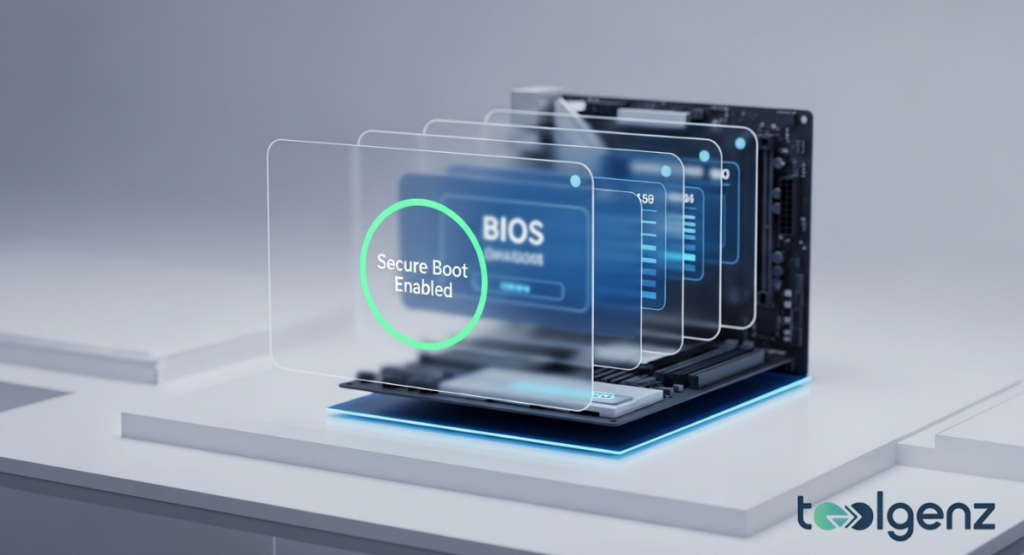
Check your firmware protection at a glance before installing updates.
A major improvement introduced through Windows Update is the enhanced visibility of Secure Boot status. Users can now check whether Secure Boot is active and properly configured directly inside Windows Security.
This Windows Update also improves firmware certificate tracking, helping users identify outdated or expiring security credentials before they become a problem.
Instead of discovering issues after a failure, Update now alerts users early, giving them time to take corrective action and maintain system integrity.
How the Secure Boot Indicator Works and What the Colors Mean
The Secure Boot indicator introduced in Windows Update uses a simple color-coded system to communicate security status quickly and clearly.
Green indicates that everything is properly secured, yellow signals that updates or attention are needed, and red warns that immediate action is required.
This Update feature simplifies complex security information into an easy-to-understand visual format, making system protection more accessible for everyday users.
| Color | Meaning |
|---|---|
| Green | Fully protected |
| Yellow | Updates needed |
| Red | Immediate action required |
By turning technical data into simple indicators, Windows Update reduces confusion and helps users respond faster to potential risks.
Quality and Experience Improvements in the Latest Windows Updates
Smoother animations, faster wake times, and fewer background crashes.
Beyond security fixes, this Windows Update also focuses on performance and user experience improvements. Microsoft has optimized background processes to reduce system lag and improve responsiveness.
Another benefit of Windows Update is improved memory handling and smarter driver management. These refinements help reduce system crashes and improve long-term stability.
Even during installation, Update now runs more efficiently in the background, allowing users to continue working with minimal disruption.
Windows Update Testing Process, Rollouts, and Best Practices
Microsoft uses a staged rollout approach to ensure reliability before full deployment. Each Windows Update first reaches testers and a limited group of users before being released globally.
This method helps identify bugs early and improves stability across different hardware configurations. In addition, Windows Update now includes more automated certificate handling for Secure Boot, reducing the need for manual setup.
Users are encouraged to install Update releases as soon as they become available. Delaying updates can leave systems exposed to known vulnerabilities that attackers may exploit.
How These Updates Impact Your PC Performance and Compatibility
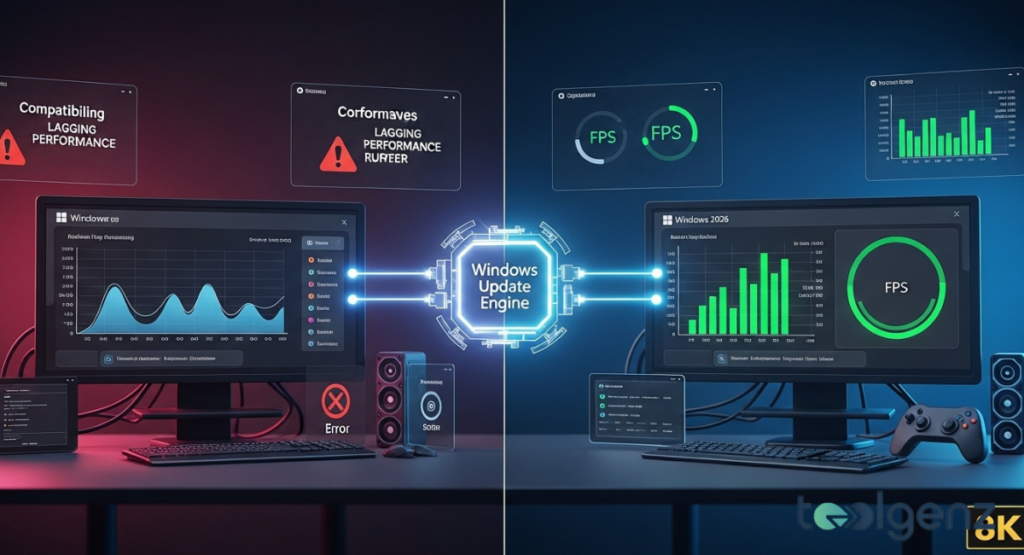
The new engine reduces stuttering and fixes driver conflicts automatically.
Not all devices respond to Windows Update in the same way. Newer systems generally benefit from faster performance, improved compatibility, and enhanced security features.
Older hardware may face limitations, especially when it comes to Secure Boot and firmware requirements introduced in recent Windows Update cycles.
For example, a device built several years ago may still run the operating system but may not fully support all modern security enhancements delivered through Windows Update.
How to Stay Protected: Update Strategy and Security Recommendations
The best way to stay secure is to keep Windows Update enabled and allow automatic installation of critical patches. This ensures your system is always protected against newly discovered threats.
Regularly reviewing security alerts within Windows Security also helps users stay informed about system health. Combining good habits with consistent Windows Update installation creates a strong defense against most cyber risks.
In the long run, users who stay current with Windows Update significantly reduce their exposure to malware, ransomware, and system vulnerabilities.
Final Thoughts
If stability matters more than new features, use the deferral options wisely.
The evolution of Windows Update in 2026 represents a major step forward in usability, transparency, and security. It is no longer just a background service but a core part of how Microsoft protects users in real time.
With improved Secure Boot visibility, faster patch delivery, and stronger vulnerability management, Windows Update continues to shape a safer and more reliable computing experience.
Keeping your system updated ensures you benefit fully from everything Windows Update is designed to deliver.
FAQs
Can I still upgrade to Windows 11 for free?
Yes, eligible Windows 10 devices can still upgrade to Windows 11 for free if they meet Microsoft’s system requirements.
Is Windows 12 really coming?
Microsoft has not officially confirmed Windows 12, though industry speculation suggests future development is underway.
What is the latest Windows Update?
The latest release includes the April 2026 Patch Tuesday update with security fixes, performance improvements, and vulnerability patches.
Is Windows 11 25H2 officially released?
As of now, it has not been officially confirmed or widely released by Microsoft.
Why do people refuse to update to Windows 11?
Many users avoid upgrading due to hardware requirements, interface changes, and compatibility concerns with older systems.