
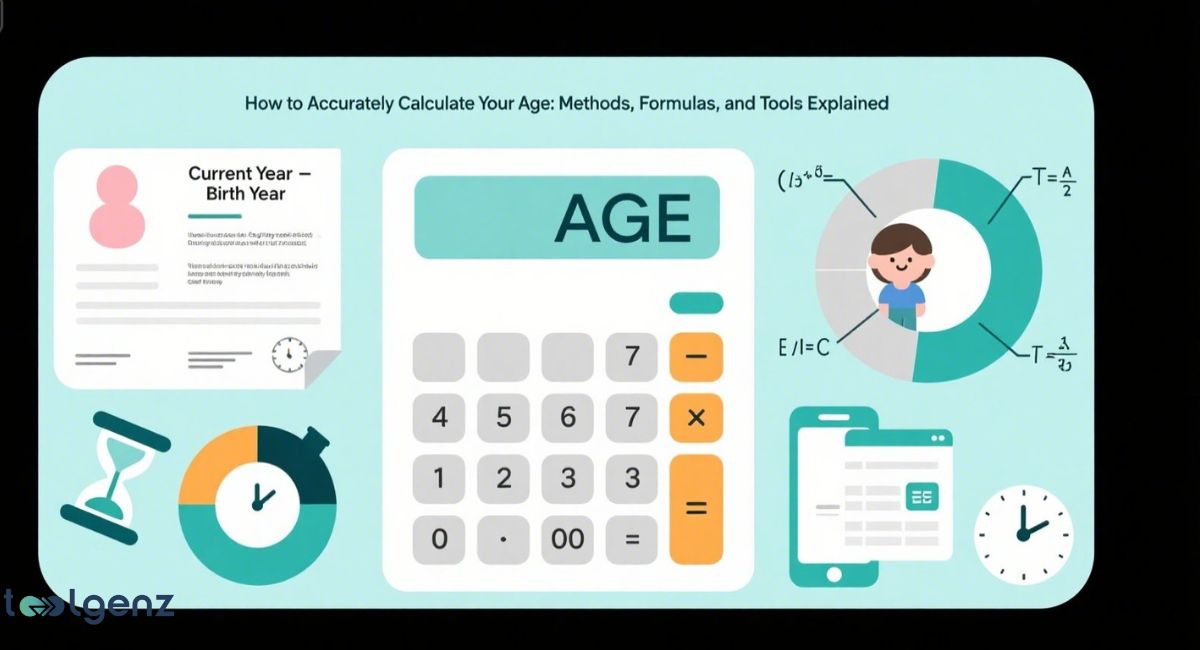
Knowing your exact age isn’t just about counting birthdays—it’s about understanding how to accurately calculate your age using smart methods, formulas, and tools.
From filling out forms to tracking health goals, knowing your exact age can be surprisingly important.
In this guide, we’ll walk you through simple and advanced ways to work it out — whether with pen and paper, online tools, or even Excel.
We’ll break down formulas, explain age calculators, and even show how to use Excel to find your age in days, months, or years. Let’s simplify age calculation into something fast, easy, and totally accurate.
You’ll also discover how age impacts different aspects of life, from legal documents to insurance rates.
Whether for everyday use or specific purposes like storytelling, recordkeeping, or planning, learning to calculate age correctly is a skill that benefits everyone.
How to Calculate Your Age Based on Your Date of Birth
The easiest way to find your age is by subtracting your date of birth from the current date. For example, if you were born in 1990 and it’s 2025 now, you are 35.
This quick math gives you a rough idea, but it won’t tell you the exact months and days you’ve lived.
For a more detailed answer, you need to count full years, months, and days between your date of birth to current date.
This way, you get a clearer idea of your real age, especially when answering how old would someone be today or checking age at specific events in life.
You can also use digital age calculation tools such as an online age calculator or spreadsheet formulas to calculate your exact age with more accuracy.
These options save time and ensure your results are precise, especially when age plays a role in health records, official documents, or financial planning.
Explanation of the Age Calculation Tool
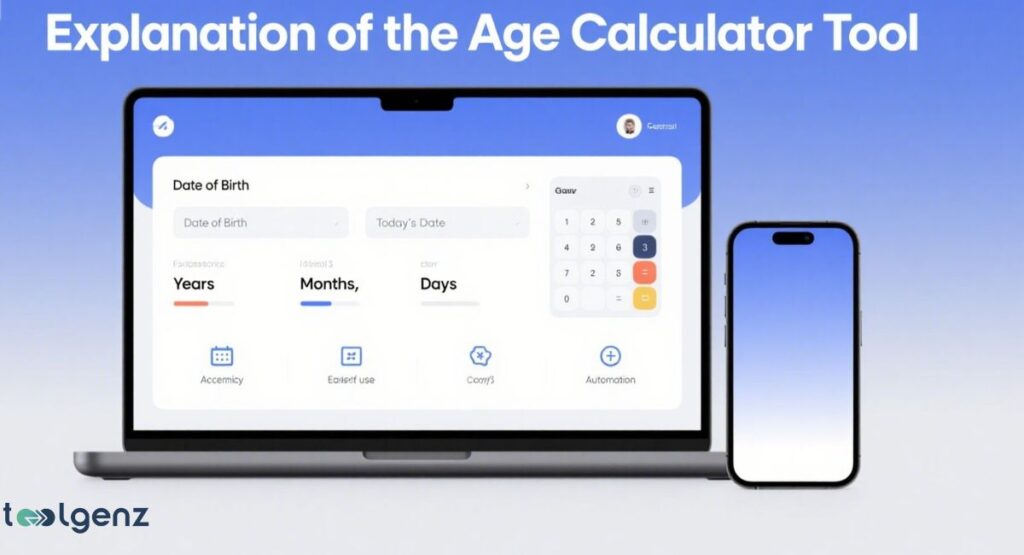
An age calculation tool uses time interval formulas to tell you your age in years, months, days, and even hours. Some even include seconds.
Age calculation tool compares the elapsed time between two dates, your birth date and today, to give accurate results. A good calculator takes care of the tricky bits that can trip you up when doing it by hand.
It’s great when you want to determine age in minutes and seconds or when preparing official documents. Tools like these follow a minutes to years formula for full accuracy.
These calculators are available online and are easy to use, and you can try an exact age calculator for instant results. You just enter your date of birth, and the tool instantly shows your current age.
This makes them helpful for students, professionals, and anyone who needs to know their exact age for forms or deadlines.
How to Calculate Age from Date of Birth in Excel
If you use spreadsheets, you can calculate age using the Excel DATEDIF formula. This method is great when you need repeated or automated age calculations.
Once set up, Excel does the heavy lifting — no more double-checking your math. You can set up the formula once, and it will update your age every time you open the file.
This is useful for tracking ages in records, forms, or reports. It also helps in tasks like managing employee data or student information where accurate age is important.
Sample formula:
=DATEDIF(A1, TODAY(), “Y”) & ” Years, ” & DATEDIF(A1, TODAY(), “YM”) & ” Months, ” & DATEDIF(A1, TODAY(), “MD”) & ” Days”
This spreadsheet age formula gives you your age in a simple sentence. You can use Excel to calculate age with TODAY function and apply this for many dates at once.
How to Calculate Your Age in Days, Months, or Years
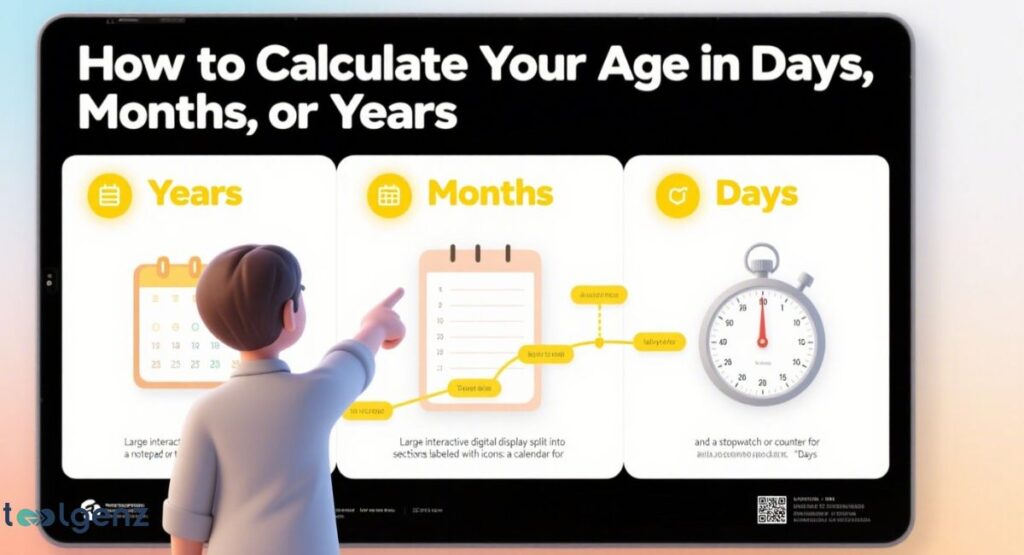
Sometimes you want to know your age in days/months/hours instead of just years. You can find the total number of days since birth by using tools or Excel.
This is useful for events or scientific research. Knowing your exact age in smaller units helps when tracking fitness goals, pregnancy timelines, or planning medical treatments.
It’s also helpful in storytelling, genealogy, or understanding how old someone would be today based on detailed time data.
Excel formula:
=DATEDIF(A1, TODAY(), “D”) & ” Days”
This way, you get accurate age based on current date, and you can calculate life duration in milliseconds with advanced tools.
You can even tweak it to find the time between any two dates you choose. Such detailed results are useful for data analysis, medical studies, and legal documents.
Formulas for Time Interval and Total Time
To get the full difference between two dates, you start small. First, calculate minutes, then hours, then days.
This is called the minutes to years formula.
Reference table:
| Unit | Formula |
| Minutes | Hours * 60 |
| Hours | Days * 24 |
| Days | Date2 – Date1 |
| Seconds | Minutes * 60 |
| Milliseconds | Seconds * 1000 |
This step-by-step approach is handy for accurate reporting or verifying ages.
Formulas for the Time Before a Birthday

Want to know how long until your next birthday? Use a birthday countdown method.
The system checks your next birthday and compares it with today. If your birthday has passed this year, it adds one year to calculate the next one.
It’s basically the same formula, just flipped to count forward to your next birthday. This method is fun for kids and helpful for adults who want to plan celebrations, track goals, or set reminders for important milestones each year.
Fractions of Months and Hours in Age Calculation
Sometimes, age is not a full month. You may be 20 years and 3.5 months. To calculate this, systems use fractions of months. The number of days in the month matters — for example, February has 28 days while July has 31.
Also, birthday time difference in hours can now be calculated using updated age calculation tools. Even if your birthday was just one hour ago, new calculators include it.
That’s when knowing your age down to the minute or second can come in handy. This level of detail is useful in legal cases, medical records, or research where exact time matters.
Age and Stages of Human Life

Life is made up of stages. We all move from babies to seniors. These stages of human development by age are common in psychology, law, and healthcare.
Summary table:
| Stage | Age Range |
| Newborn | 0 to 1 month |
| Infant | 1 month to 18 months |
| Early Childhood | 18 months to 6 years |
| Childhood | 6 to 12 years |
| Teenager | 13 to 19 years |
| Young Adult | 20 to 30 years |
| Adult | 30 to 60 years |
| Senior | 60+ years |
These human life stages reflect changes in our needs, legal status, and even health.
Age Calculation and Personal Finances
In the USA, age plays a big role in finance. Retirement accounts like IRAs have age-based rules.
Health insurance plans change based on age. Your age also affects loans and credit scores. That’s why keeping track of your exact age can make financial planning a lot smoother, especially when making big financial decisions.
Age can also impact tax benefits, eligibility for social security, and investment planning. That’s why knowing your exact age isn’t just useful—it’s essential for smarter money management in every stage of life.
Additional Methods to Calculate Age Accurately
Besides Excel and tools, developers use programming languages. Python, JavaScript, and APIs can also use for age calculation.
They work on the same date-difference logic, which makes them perfect for apps. Many people use these methods to determine a person’s age for storytelling or genealogy.
Writers and researchers use this to keep timelines correct or to build realistic characters.
These programming methods allow for deeper customization, such as age calculation with time zones, leap years, or even historic calendars.
Common Mistakes to Avoid When Calculating Age
A lot of people forget leap years. Or they mix up month and day formats. Always double-check date settings.
The difference between chronological and physiological age can also confuse users. For example, someone may be 60 by the calendar but feel and act 40.
That’s why both chronological age and physiological age matter. Use accurate tools to avoid problems. And don’t forget — date formats vary around the world.
That little swap between day and month can throw your results way off. Mistakes here can lead to big errors in results, especially in medical or legal forms.
Final Thoughts
Now you know how to accurately calculate your age using different methods and tools.
Whether you want to calculate life duration in milliseconds or just plan a party, you have the knowledge to do it right.
Use a personal age tracker or try an Excel formula for age calculation to simplify your tasks. And always double-check for accuracy, especially when age plays a role in your health, work, or finance.
You can now handle age-related questions with confidence, from daily tasks to important life decisions.
Understanding your exact age can also help in setting future goals, tracking progress, and even sharing personal stories with better detail.
FAQs
Q: What is the best age calculation tool?
A: A precise age calculator online or Excel is the easiest age calculation tool.
Q: How do I calculate age in seconds?
A: Multiply days by 24, then by 60, then by 60 again.
Q: Why doesn’t my manual result match the Age Calculation tool?
A: Tools account for leap years, hour changes, and use accurate age based on current date.
Q: Can I calculate age before 1900?
A: Yes, but not with all Excel versions. Use Google Sheets or coding tools instead.