

In today’s digital world, protecting your online identity starts with having the right password habits. From social media to banking, every account needs a layer of serious protection.
That’s where building good password habits and using smart management tools makes all the difference.
In this guide, you’ll learn how to create secure, strong passwords — and why complexity matters more than ever in today’s online world.
Whether you’re an individual or a business owner, you’ll learn the best way to store passwords and avoid cyber threats. Let’s dive into the essentials of password strength and take charge of your digital identity protection.
Cybercrime is growing faster than ever, and outdated password practices are no longer safe. Knowing why passwords need to be random and how to protect online accounts will help you stay a step ahead.
What Is a Password Generator?
A password generator is a tool that creates unique passwords using random letters, numbers, and symbols. These tools take out the guesswork, making it easy to create passwords that are tough for anyone to crack.
Whether it’s an app, a website, or part of a password manager app, a random password generator is your first step to better security.
The best tools allow you to adjust the length and complexity. Some even follow industry rules for password strength and password complexity. A generator keeps you from using personal details or obvious words that hackers can guess in seconds.
By using a password generator for business or personal accounts, you reduce the risk of data breaches.
It also simplifies the process of creating secure passwords across multiple platforms. Relying on a generator ensures consistent password quality and better overall protection.
Why Should I Generate Strong Passwords?
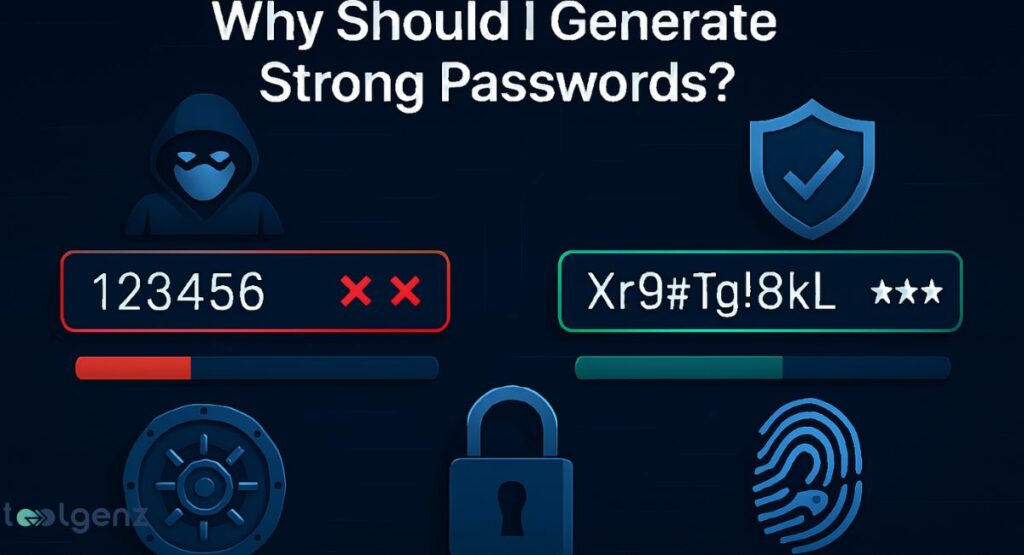
Hackers are everywhere. They use techniques like brute-force attacks, where they try every possible combination until they get in.
If your password is weak, it might only take them seconds. That’s why developing strong password habits is so important. The NCSC also provides excellent password security recommendations you can follow for extra safety
Creating long, random, and complex passwords makes it almost impossible for these attacks to work. And when you use different ones for every account, you lower the risk of one hack causing a chain reaction.
Strong password habits give you an extra layer of protection for everything you do online. Always stay alert, update your credentials often, and never reuse passwords across multiple accounts.
What Makes a Password Strong?
So, what makes a password secure? It comes down to three things: length, complexity, and unpredictability.
A strong password should have at least 12 characters and include upper and lowercase letters, numbers, and special characters. The longer and more random it is, the stronger it gets.
Avoid using names, birthdays, or common words, as these are easy for attackers to guess. Instead, rely on tools that help you build passwords with true randomness to improve your online safety.
Let’s compare two passwords:
| Password | Strength | Reason |
| Summer2024 | Weak | Common word, predictable |
| f@8Lx#72sQ!p | Strong | Random, long, complex |
A strong password is hard to guess, even for computers. That’s why complex passwords matter.
Why Random Passwords Work
People often use patterns or personal info in their passwords. That’s dangerous. The reason for using random passwords is simple — hackers can figure out anything predictable or tied to your personal details. But randomness defeats those tricks.
When you use a strong password generator, it creates passwords no one could guess, even if they know everything about you. Randomness also increases brute-force attack prevention, making your accounts much harder to break into.
The less predictable your password is, the more secure your digital presence becomes. Unpredictable combinations take away the tricks hackers use from leaked data or personal clues.
The Principles of Generating a Strong Password
To learn how to generate a strong password, you need to follow some simple rules. First, never use personal information like your name or birthday. Second, always go for at least 12 characters, including a mix of symbols, letters, and numbers.
This approach makes your passwords stronger and keeps your online accounts safer. A complex mix makes it harder for hackers to crack, even with advanced tools.
Follow these basics whenever you make a new account to keep your information secure.
These are the core principles:
| Principle | Description |
| Length | More characters = stronger password |
| Complexity | Mix of different types of characters |
| Randomness | No patterns or personal details |
Following these steps helps you create passwords that meet modern security standards.
Why Your Passwords Need to Be Unique
Imagine one of your accounts gets hacked. If you reused the same password for everything, all your accounts are in danger. That’s why you must secure all accounts with unique passwords.
Reusing passwords is risky — one breach can open the door to all your accounts. Even one stolen password can lead to complete digital identity loss. Always use a new, random password generator result for each login to stay safe.
It’s a simple habit, but it can make a massive difference in your overall password security. If you avoid reusing passwords, you stop a single hack from becoming a chain reaction.
Generate Passwords, Store Them Securely, and Access Them Instantly from Any Device
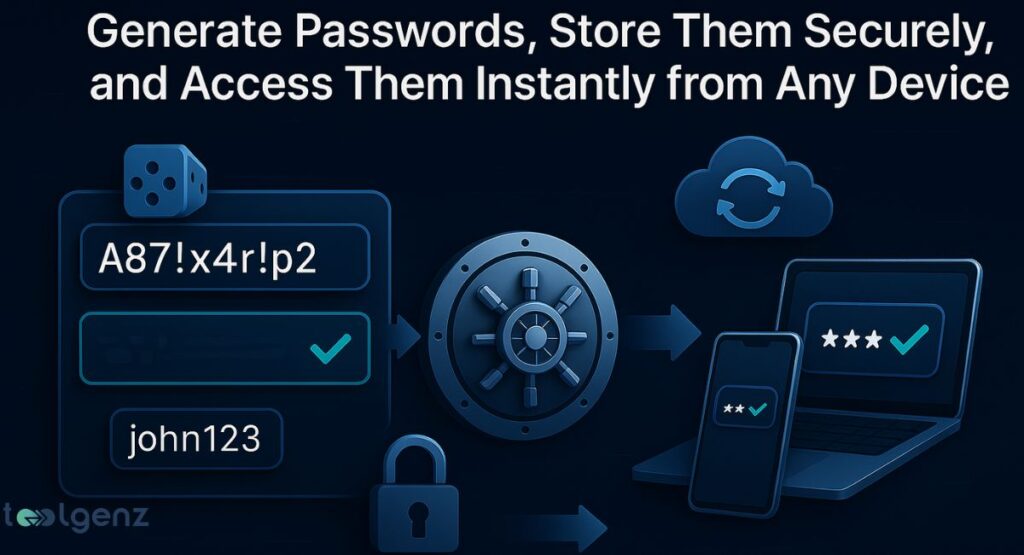
Once you create strong passwords, you need a safe password storage solution. Writing them down isn’t safe. The best way is to store them in an encrypted password vault that you can open on all your devices.
Modern tools allow multi-device access and cross-platform password sync, so you can safely use your passwords on your phone, tablet, and computer. This way, logging in securely is simple and fast.
With the right password manager, you also get features like password autofill, secure sharing, and alerts if any of your saved logins are compromised. This extra layer of security gives you confidence and more control over your online accounts.
Use a Trusted Password Manager
A password manager app is like a digital locker. It stores all your passwords safely and helps you log in automatically.
With features like password autofill feature and secure password storage, you’ll never have to remember all your logins again.
If you also want to keep track of your credit and identity safety, check out our guide to the best credit monitoring apps of 2025.
If you’re wondering whether you need a password manager, the answer is almost always yes — especially if you juggle lots of accounts. Look for one with end-to-end encryption and US-based customer support for better service.
Many apps now offer biometric login, breach alerts, and the ability to manage login credentials across devices. These tools make life easier and help keep your accounts secure day after day.
How to Manage Strong Passwords for Every Account
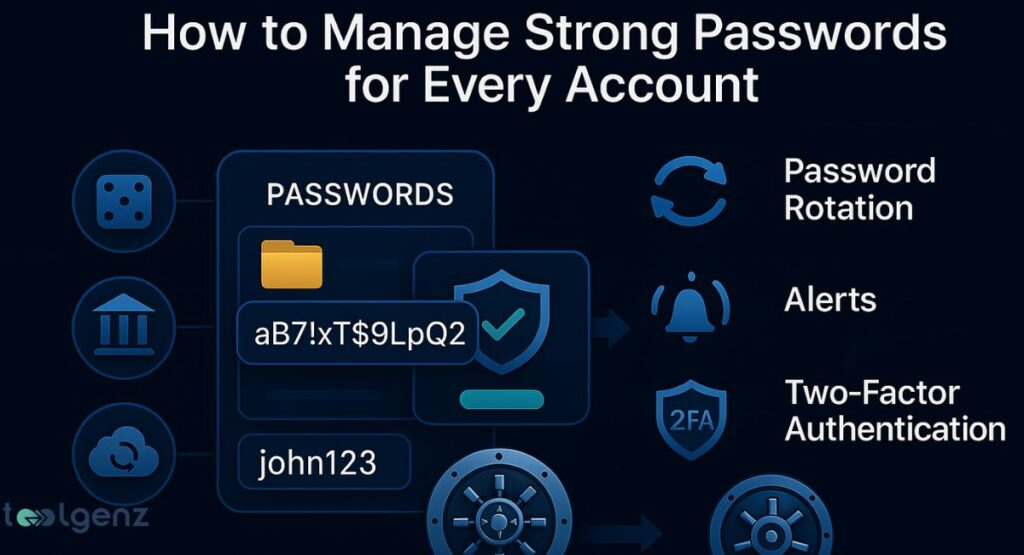
Once you have strong passwords, you need to manage them. That means keeping them updated, rotating them regularly, and removing old accounts you don’t use. Following a strong password policy makes this easier.
To manage passwords securely, set up alerts for any suspicious login. Also, enable two-factor authentication wherever possible. These extra steps add another layer of safety to your online identity.
You should also review your accounts monthly to ensure everything is current and secure. A quality password manager can automate updates and send reminders when it’s time to change passwords.
Generate Complex Passwords with a Random Generator
Using a password generator for business or personal use is easy. Just set the length, choose your character types, and let the tool create a password. These tools guarantee that your passwords are both complex and unpredictable.
The best way to store passwords after generation is using a secure encrypted password vault. This keeps your new credentials safe and ready when needed. Plus, a password manager for businesses often includes team sharing features and admin control.
It also tracks whether passwords are being reused and keeps employees following security best practices. With these tools, businesses can manage login credentials efficiently while improving overall cybersecurity.
Best Password Generator Tools in the USA
| Tool | Type | Features |
| NordPass | Cloud | Autofill, sync, 2FA |
| Bitwarden | Open-source | Free tier, zero-knowledge encryption |
| Dashlane | Premium | Dark web monitoring, US-based servers |
These are trusted by millions and ideal for safe password storage solution needs in the USA.
Conclusion
Now you know how to protect online accounts using secure authentication and strong password policy techniques. Remember, a strong password is your first defense.
Using a password manager app, storing your logins in an encrypted password vault, and generating complex, unique credentials for each account are must-do steps.
Never ignore password reuse risks, and always choose password complexity and randomness over convenience. By following this guide, you’re not just staying safe — you’re taking charge of your online security.
Manage login credentials like a pro. Stay protected. And remember, the safest way to store login information is through trusted tools and smart habits.
By committing to secure password practices today, you build a stronger, safer online future. The sooner you take action, the less likely you’ll run into security problems down the road.
FAQs
1. What is a generated password?
A generated password is a randomly created string of characters designed to be strong, unique, and difficult to guess or crack.
2. Which is the Roblox password?
Roblox passwords are private; only the account owner knows them. Never share or ask for someone’s password.
3. What is a good password generator?
A good password generator creates long, random passwords with a mix of letters, numbers, and symbols, like LastPass, 1Password, or Bitwarden.
4. How to get a suggested password?
Most browsers and password managers offer suggested passwords when creating a new account or updating login info.
5. How safe are generated passwords?
Generated passwords are very safe if they’re long, random, and stored securely in a trusted password manager.