
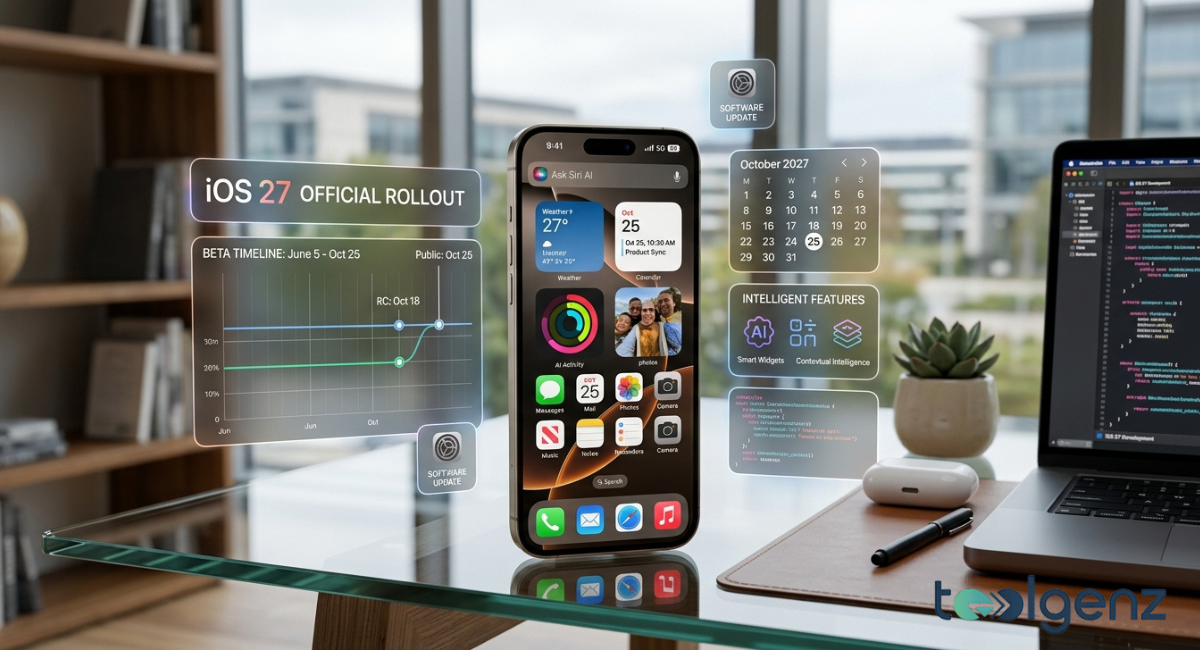
Apple is preparing another major software update with iOS 27, bringing a fresh set of intelligent features designed to make the iPhone even more helpful in everyday life. Rather than introducing dramatic visual changes, this release focuses on practical improvements powered by Apple Intelligence.
From a redesigned Siri experience to smarter messaging tools and enhanced calendar management, the update aims to simplify daily tasks while maintaining the familiar iPhone experience users already know.
Whether you use your iPhone for work, studying, entertainment, or staying connected with family and friends, iOS 27 introduces features that can save time and improve productivity. Apple has also continued its strong focus on privacy, ensuring that many AI-powered capabilities work securely without compromising personal data. Alongside better performance and tighter integration across Apple devices, the update promises a smoother and more personalized user experience.
In this guide, you’ll learn about the biggest features coming with iOS 27, the expected release schedule, supported iPhone models, installation process, and whether upgrading will be worthwhile once the final version becomes available.
What’s New in iOS 27?
One of the most noticeable changes in iOS 27 is how naturally Apple has integrated artificial intelligence into its existing apps. Instead of requiring users to interact with a separate chatbot, Apple has built intelligent features directly into the tools people already use every day. These improvements help organize information, understand context, and complete common tasks with fewer manual steps, making the overall experience feel more efficient without adding unnecessary complexity.
Another major advantage is the improved connection between Apple devices. Conversations, reminders, notes, and calendars stay synchronized through iCloud, allowing users to move seamlessly between their iPhone, iPad, Mac, and Apple Watch. You can start a task on one device and continue it on another without losing your progress. At the same time, Apple continues to strengthen its privacy protections by processing many AI requests directly on supported devices whenever possible, giving users greater control over their personal information.
Overview of the biggest updates and improvements
Rather than replacing familiar apps, iOS 27 focuses on making them smarter and easier to use. Everyday applications such as Messages, Calendar, Notes, and Siri receive meaningful improvements that reduce repetitive actions and streamline common tasks. Whether you’re scheduling appointments, replying to conversations, or organizing personal information, the update is designed to help you accomplish more with fewer taps.
Performance has also received attention behind the scenes. Apple has optimized system animations, improved background processing, and refined multitasking to create a faster, smoother experience across supported devices. These enhancements may not always be immediately visible, but they contribute to better responsiveness throughout daily use.
Privacy remains one of Apple’s highest priorities. Many Apple Intelligence features process requests directly on the device instead of relying entirely on cloud-based computing. This approach helps protect sensitive information while still delivering useful AI-powered assistance. Combined with improved battery optimization and overall system efficiency, iOS 27 offers an experience that feels both faster and more reliable.
| Major Improvement | Benefit for Users |
|---|---|
| Apple Intelligence | Smarter everyday assistance |
| Siri app | More natural AI conversations |
| Messages app | Faster contextual suggestions |
| Apple Calendar | Simplified event creation |
| iCloud synchronization | Smooth continuity across devices |
| Privacy improvements | Better protection for personal information |
Best New iOS 27 Features You Should Try
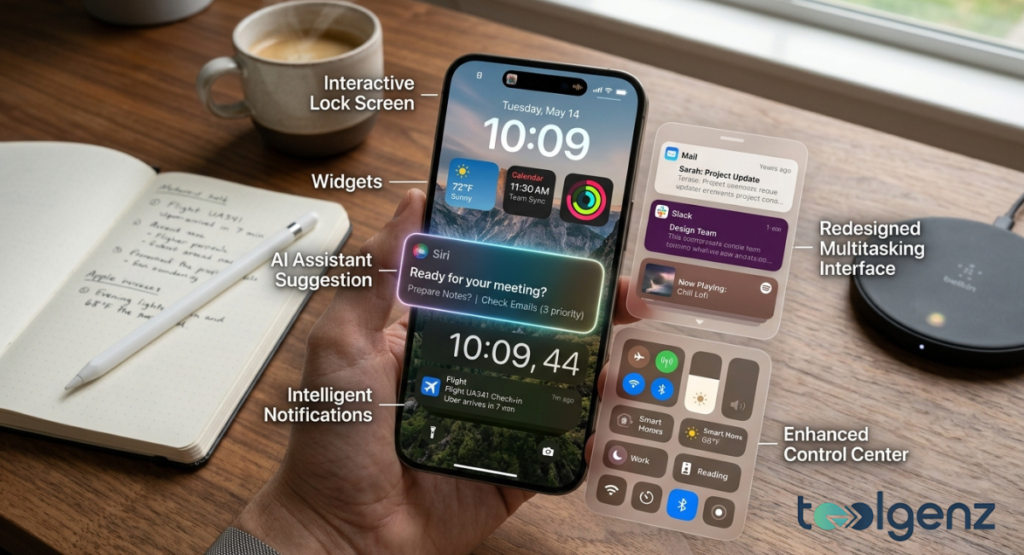
Interactive widgets, AI suggestions, and a new Control Center speed up daily tasks.
One of the reasons iOS 27 stands out is that its new features focus on improving everyday usability instead of changing the way people use their iPhones. Most of the enhancements build upon existing apps, making them more capable without introducing a steep learning curve. The result is an update that feels familiar while offering noticeable improvements in convenience and efficiency.
Artificial intelligence plays an important role throughout the system, but it rarely gets in the way. Instead of demanding constant interaction, the software quietly offers relevant suggestions when they’re useful. Whether you’re planning your schedule, replying to messages, organizing notes, or searching your photo library, Apple Intelligence works in the background to simplify routine tasks.
The sections below highlight some of the most useful additions included in iOS 27, beginning with the redesigned Siri experience and continuing through several productivity-focused improvements that can make everyday iPhone use more efficient.
Siri app enhancements
Among the most talked-about additions in iOS 27 is the redesigned Siri experience. Instead of functioning as a simple voice assistant that disappears after each request, Siri is designed to support longer, more natural conversations. Users can ask follow-up questions, switch topics, and continue discussions without having to repeat previous information every time.
This improvement makes Siri feel much more useful during everyday tasks. Whether you’re planning a trip, searching for information, setting reminders, or asking for recommendations, conversations flow more naturally than before. Siri can also better understand context, reducing the need to rephrase commands or start over when your request becomes more detailed.
Another welcome improvement is cross-device continuity. Conversations can continue across supported Apple devices through secure iCloud synchronization. For example, you can begin asking Siri a question on your Mac, continue the conversation on your iPad, and finish it on your iPhone without losing context. This creates a more connected experience across the Apple ecosystem and makes digital assistance feel genuinely practical.
Apple has also maintained its strong commitment to privacy. Many Siri requests are processed directly on compatible devices whenever possible, helping protect personal information while still delivering intelligent responses. This balance between convenience and privacy remains one of the strongest aspects of iOS 27.
One-tap suggestions in Messages

On-device intelligence drafts context-aware responses for faster conversations.
The Messages app also receives several practical improvements designed to reduce the number of steps needed to complete everyday actions. Instead of switching between multiple apps, users can take advantage of intelligent one-tap suggestions that appear when relevant information is detected during conversations.
For example, if someone sends an address, iOS 27 may suggest opening Maps immediately. If a friend mentions a meeting date, the software can recommend creating a calendar event. Conversations that include reminders, shopping ideas, or important details may also trigger quick actions that save time without interrupting your workflow.
The system is able to recognize names, locations, dates, phone numbers, and other important information within messages. These suggestions appear only when appropriate, making them helpful rather than distracting.
Photo sharing has also become more convenient. If someone asks for pictures from a recent vacation or event, the Photos app can suggest matching images based on keywords, locations, or dates already stored in your library. This reduces the time spent searching through hundreds of photos manually and makes sharing memories much faster.
These improvements demonstrate how Apple is using artificial intelligence to simplify communication rather than completely changing the way people send messages.
Smart Event Details in Calendar
Creating calendar events is another area where Apple has introduced meaningful improvements. Instead of filling out multiple fields manually, users can simply describe an event using everyday language.
For instance, typing something like “Lunch with Sarah tomorrow at 1 PM downtown” allows the Calendar app to recognize the title, date, time, location, and other important details automatically. The software then fills in the appropriate fields, requiring only a quick review before saving the event.
This feature is especially useful for busy professionals, students, and families who regularly manage appointments throughout the day. By reducing manual entry, iOS 27 helps users create events more quickly while minimizing common mistakes such as incorrect dates or missing locations.
The updated Calendar also works more closely with other Apple services. Information shared in Messages, Mail, or other supported apps can help generate more accurate event suggestions, making scheduling feel smoother across the entire ecosystem.
Other notable AI and productivity features
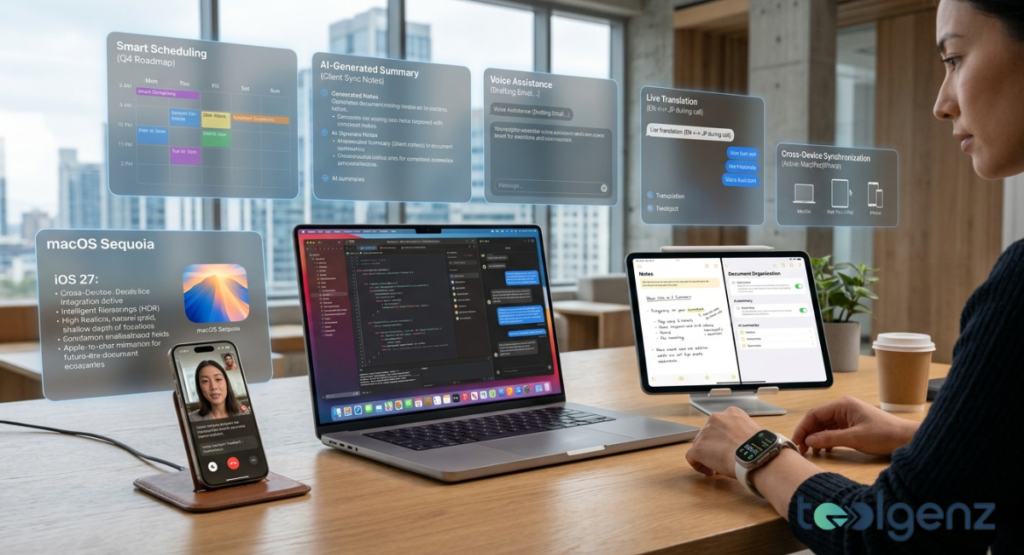
Smart Scheduling, live translation, and summaries connect iPhone, Mac, and iPad.
Beyond Siri, Messages, and Calendar, iOS 27 introduces improvements across several built-in applications. While many of these updates are subtle, they contribute to a more polished experience that users will appreciate over time.
The Notes app becomes better at organizing information, helping users manage ideas, checklists, and documents more efficiently. Improvements to Photos make searching your library easier by recognizing people, places, objects, and descriptive keywords with greater accuracy. Instead of endlessly scrolling through albums, users can locate older pictures using simple search terms.
Apple Wallet also receives refinements that improve everyday convenience, while CarPlay continues to offer a smoother experience for drivers by integrating more naturally with supported vehicle systems.
Performance improvements extend throughout the operating system as well. Better battery management helps reduce unnecessary background activity, allowing compatible devices to use power more efficiently. Notifications become smarter by prioritizing the most relevant information, while multitasking has been optimized to keep apps running more smoothly during everyday use.
Although many of these enhancements work quietly behind the scenes, together they create a noticeably more responsive experience. Rather than introducing flashy features for the sake of novelty, iOS 27 focuses on practical improvements that help users complete everyday tasks more efficiently while maintaining the familiar simplicity that has long defined the iPhone.
iOS 27 Release Date and Beta Schedule
Apple is expected to follow its traditional software release timeline for iOS 27. The company typically unveils the next version of iOS during its annual Worldwide Developers Conference (WWDC), where developers receive early access to begin testing new features and updating their apps.
Following the developer beta, Apple usually releases a public beta several weeks later. This allows everyday users to try new features before the official launch while helping Apple identify bugs and improve system stability through user feedback.
If Apple maintains its usual schedule, the final version of iOS 27 is expected to become available in September 2026 alongside the company’s newest iPhone lineup. As always, release dates may vary slightly depending on development progress and final testing.
Supported iPhones
Not every iPhone will support every new feature included in iOS 27. While the operating system itself is expected to work on a range of compatible devices, some Apple Intelligence capabilities will require newer hardware with more advanced processing power.
Users with recent iPhone models are likely to receive the full feature set, including AI-powered tools, while older compatible devices may receive the software update with a smaller selection of advanced capabilities.
Apple will publish the official compatibility list before the public release, allowing users to confirm whether their device supports the latest version.
How to Install iOS 27
Installing iOS 27 will follow the same process as previous iPhone software updates.
Before upgrading, it’s a good idea to back up your device using iCloud or a computer. This helps protect your data in case anything unexpected happens during installation.
To install the update:
- Open Settings.
- Tap General.
- Select Software Update.
- If iOS 27 is available for your device, tap Download and Install.
- Follow the on-screen instructions to complete the installation.
Keeping your iPhone connected to Wi-Fi and ensuring the battery is sufficiently charged will help the installation finish smoothly.
Is iOS 27 Worth Upgrading?
For most users, iOS 27 appears to be a worthwhile update. Rather than focusing on dramatic visual redesigns, Apple has concentrated on improving the features people already use every day.
The biggest improvements include a smarter Siri experience, more helpful suggestions in Messages, easier event creation in Calendar, better organization in Photos and Notes, stronger privacy protections, and improved overall performance.
Users with compatible hardware will benefit the most from Apple Intelligence, while those using older supported devices can still expect stability improvements, security updates, and a smoother overall experience.
Anyone who values productivity, privacy, and tighter integration across Apple devices is likely to appreciate what iOS 27 has to offer.
Final Thoughts
Apple’s latest software update builds on the strengths of previous iPhone releases while introducing practical improvements that users can appreciate every day. Instead of overwhelming people with unnecessary changes, iOS 27 focuses on making familiar apps smarter, faster, and easier to use through thoughtful integration of Apple Intelligence.
From the redesigned Siri experience and intelligent messaging tools to streamlined calendar management and improved system performance, the update reflects Apple’s continued focus on usability and privacy. Whether you’re upgrading for the new AI features or simply looking for a more refined iPhone experience, iOS 27 is shaping up to be one of Apple’s most useful software releases in recent years.
FAQs
Will iOS 27 be released?
Yes. Apple is expected to release the final version of iOS 27 in September 2026 after completing its developer and public beta testing programs.
Which iPhones get iOS 27?
Apple has not yet published the complete list of supported devices. However, iOS 27 is expected to be available on compatible iPhone models, with Apple Intelligence features requiring newer hardware.
How do I upgrade to iOS 27?
Go to Settings > General > Software Update. If your device is eligible, you can download and install iOS 27 directly from there after backing up your data.
Is iOS 27 better than previous versions?
For many users, the answer is yes. iOS 27 introduces smarter AI-powered features, improved productivity tools, stronger privacy protections, and performance enhancements that make everyday tasks easier without changing the familiar iPhone experience.
Why is iOS 26 called iOS 26?
Apple renamed its operating systems to match the upcoming calendar year. As a result, iOS 26 represents the 2026 software generation instead of continuing the traditional sequential version numbering.