
In recent years, Ring has become one of the most recognized names in smart home security cameras, offering convenience and peace of mind to homeowners across the USA. However, rising concerns about privacy, ongoing cloud subscription costs, and Ring’s integration with law enforcement have led many users to rethink their choice.
Questions about who can actually access your footage and how AI-driven features like Ring Search Party work are making people more cautious. For homeowners who want reliable security without giving up control of their data, learning how to store footage locally or switch to more privacy-focused smart doorbells is becoming increasingly important. This guide walks you through how to take back control of your Ring system.
Why People Are Looking to Ditch Ring
Many users are reconsidering Ring because of its connections with law enforcement and its reliance on cloud-based data processing. Features like Ring Search Party and partnerships such as the attempted Ring Flock Safety integration show how video data may extend beyond your home. While Ring states that it does not share footage with federal agencies without permission, cloud-based systems still raise concerns for many users.
There’s also growing unease about how AI is used. What starts as helpful features—like locating lost pets—could potentially be expanded to track individuals in public spaces, which makes some people uncomfortable.
Another major issue is the balance between convenience and privacy. Cloud storage is simple to use, but it means your footage is stored on external servers rather than within your home. Situations like Google retrieving Nest footage during investigations highlight how stored data may still exist even after deletion. Because of this, many users are now looking for ways to store footage locally, secure their cameras, and limit cloud exposure so they can regain full control over their video.
Keep Ring, But on Your Terms
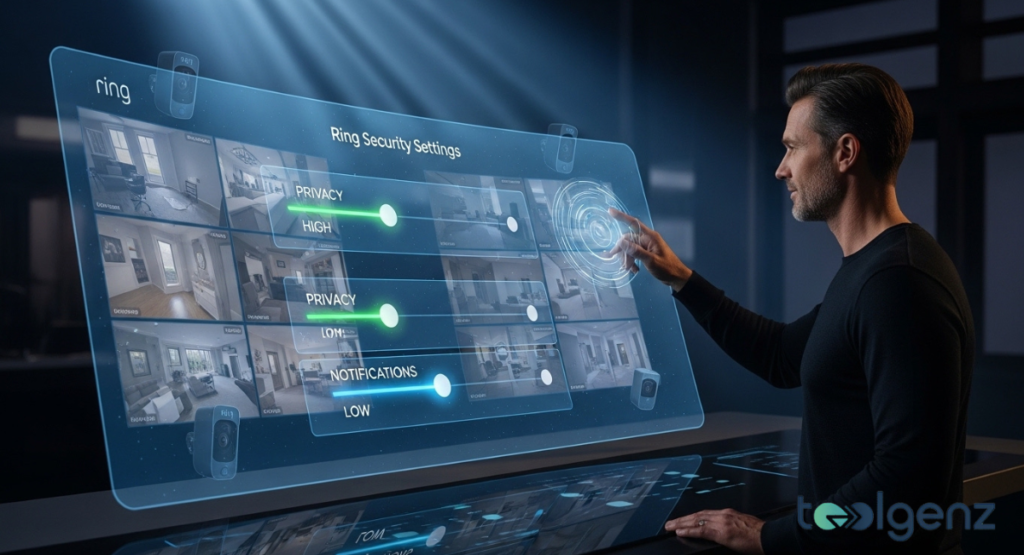
A futuristic dashboard lets you keep Ring but on your terms.
Not everyone wants to completely remove their Ring devices, and the good news is that you can still use them while reducing data sharing. One of the first steps is to adjust your camera angles so they only capture your private property and to enable privacy zones within the camera app. This helps prevent unnecessary recording of public areas.
You can also disable features like Search Party and turn off certain AI-based tools that analyze footage for things like facial recognition or package detection. These small changes can significantly reduce how much data is processed and shared.
Another important option is enabling end-to-end encryption (E2EE), which ensures that only you can access your footage. While this adds an extra layer of protection, it may limit some smart alerts and cloud-based features, so it’s important to decide what matters most to you.
Additionally, you can opt out of features such as Community Requests or Neighbors app integration. This allows you to continue using Ring hardware while limiting your involvement in broader surveillance networks.
Pick a Doorbell That Doesn’t Process Video in the Cloud
If you want maximum privacy, switching to a video doorbell that does not rely on cloud processing is a strong option. Most devices fall into three categories: cloud-first, local-first, and hybrid systems.
Cloud-first devices, like Ring and Nest, are easy to use but depend heavily on external servers for processing and storage. Local-first systems, such as Eufy, Reolink, Tapo, and Aqara, store footage directly on the device or on a hub within your home. Hybrid systems combine local storage with encrypted cloud access for added flexibility.
Choosing a privacy-focused smart doorbell means your footage stays within your control unless you decide otherwise. Many local storage devices save video on microSD cards or NAS (Network-Attached Storage) systems, giving you direct ownership of your data.
Even without cloud backup, many of these devices allow remote access through peer-to-peer connections. This means you can still monitor your home from anywhere without sending your footage to external servers, helping you maintain both convenience and privacy.
Best Doorbells with End-to-End Encryption
The interface highlights secure connectivity options in a premium hardware design.
Some homeowners prefer the ease of cloud storage but still want strong security. End-to-end encryption (E2EE) ensures that only you can access your footage, even when it is stored online. Devices such as Apple HomeKit Secure Video, Ecobee Smart Doorbell, and Philips Hue Secure Video Doorbell offer this balance.
Device | Power | Video | Connectivity | Smart Alerts | Storage
Apple HomeKit Secure Video | Battery/Hardwired | 1080p | Dual-band Wi-Fi | Person, animal, package | iCloud +
Ecobee Smart Doorbell | Hardwired | 1080p | Dual-band Wi-Fi | People, packages | E2EE Cloud
Philips Hue Secure Video Doorbell | Hardwired | 2K | Wi-Fi, Zigbee | People, animals, vehicles, packages | 24h free cloud
These devices are designed to be user-friendly, with smooth app experiences, simple setup, and detailed notifications. While many require subscriptions, they are a good choice for those who want cloud convenience without giving up security.
Best Doorbells with Local Storage
If complete privacy is your priority, local storage doorbells are often the best solution. These devices store footage directly on microSD cards or home hubs, keeping your data off the cloud entirely. Popular options include Eufy Video Doorbell C30, TP-Link Tapo D225, Reolink Battery Doorbell, Aqara G410, and SwitchBot Smart Video Doorbell.
Local storage offers several advantages. You avoid ongoing subscription fees and maintain full control over your recordings. Many systems still allow remote access through direct connections, so you can view footage without relying on external servers.
Some hubs also support built-in AI features for smart alerts, as well as intercom functions for communication. Advanced users may appreciate support for protocols like RTSP or ONVIF, which allow deeper integration with home networks.
However, you may miss out on certain cloud-based features, such as advanced facial recognition or searchable video history. It’s important to decide whether those features are worth the trade-off.
Ring’s New Smart Home Sensors: Sidewalk vs Wi-Fi
Real-time graphs display activity, bandwidth use, and device status across environments.
Ring has introduced Sidewalk technology, which uses a shared network to connect devices instead of relying entirely on Wi-Fi. This system allows devices to stay connected even if your home internet goes down.
While this can improve reliability, it also means your devices may connect through nearby neighbors’ networks. This added convenience raises questions about how data moves beyond your home environment.
Traditional options like Wi-Fi and Z-Wave remain widely used, and smart home hubs using Thread or Zigbee allow devices to function locally. For users focused on privacy, these local connections are often preferred because they keep data within the home.
Understanding how Sidewalk works and whether to enable or disable it is an important step in managing your overall privacy settings.
It Comes Down to Who You Trust
In the end, choosing a doorbell system often comes down to trust. It’s not just about the technology, but also the company behind it. US-based providers follow certain privacy regulations, while companies in other regions may operate under different rules.
This means you need to carefully balance privacy, trust, convenience, security, and cost when making a decision.
Some homeowners prefer fully local, self-hosted systems where they control everything. Others are comfortable using cloud-based devices for their ease of use. There is no one-size-fits-all answer only what works best for your personal comfort level.
Understanding how your data is handled, how AI is used, and who can access your footage will help you make a more informed choice.
Most Popular Alternatives and Deals
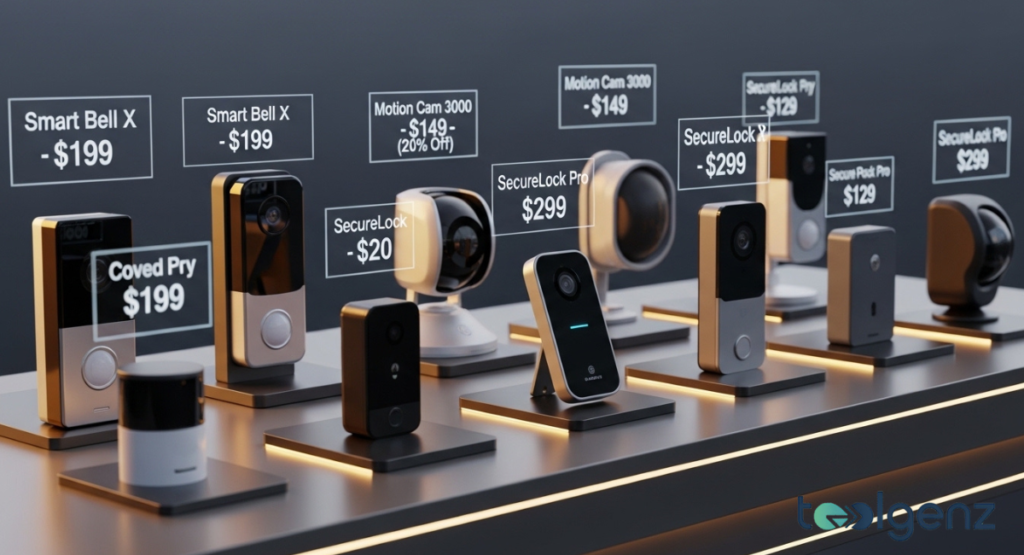
Discounts and model names help compare features across brands at a glance.
If you’re thinking about moving away from Ring, there are several strong alternatives available. Devices like Eufy Video Doorbell C30, TP-Link Tapo D225, and Aqara G410 are widely used across the USA.
Prices typically range from $85 to $150, depending on features such as smart alerts, power options, and connectivity. Some models offer battery operation, while others require hardwiring.
Prices and deals can change frequently, especially during seasonal sales or promotional events. Many brands also offer bundles that include hubs and additional cameras, which can provide better value.
Comparing features, pricing, and privacy options side by side can help you choose the system that fits your needs best.
Privacy Center and Tech Resources
Securing your smart doorbell setup goes beyond just choosing the right device. It’s also important to understand your privacy rights and how to properly configure your system. Resources like the FTC’s home security guidelines can help you stay informed.
Tech blogs and online communities are also useful for learning practical tips, from adjusting settings to improving camera security.
Keeping up with new developments—such as the Matter smart home standard—can also help you maintain privacy while still enjoying modern features. In the future, standards like Matter may allow devices to work seamlessly across platforms without relying heavily on cloud services.
For now, staying informed, making thoughtful choices, and regularly reviewing your settings are the best ways to protect your home and your data.
Conclusion
This guide has covered why many people are moving away from Ring, how to limit its data sharing features, and what alternatives are available. It also explored local storage options, encryption, and newer technologies like Sidewalk.
By taking these steps, you can better protect your home, manage your smart alerts, and maintain your privacy—while still enjoying the benefits of modern smart home technology.
FAQS
Why are people switching from Ring?
Many users are concerned about privacy, cloud subscription services, and Ring’s integration with law enforcement, prompting them to seek more secure alternatives.
Can I keep Ring but protect my privacy?
Yes, you can opt out of certain features, disable AI alerts, enable end-to-end encryption (E2EE), and adjust privacy zones in the camera app to control your data.
What is the safest alternative to Ring?
Local storage doorbells like Eufy, Reolink, Tapo, or Aqara store footage on-device, avoid cloud exposure, and still offer useful smart alerts.
What is Ring Search Party and should I turn it off?
Ring Search Party uses AI to analyze video for lost pets and events; turning it off can help reduce cloud-based processing and improve privacy.
How does Ring Sidewalk differ from Wi-Fi?
Sidewalk extends connectivity through nearby devices, while Wi-Fi keeps everything within your home network. Sidewalk can improve coverage but may raise privacy concerns.